Controller or Mouse for Roblox? What I'd Buy for MM2, Steal An Egg, Adopt Me and More
TL;DR, bestie
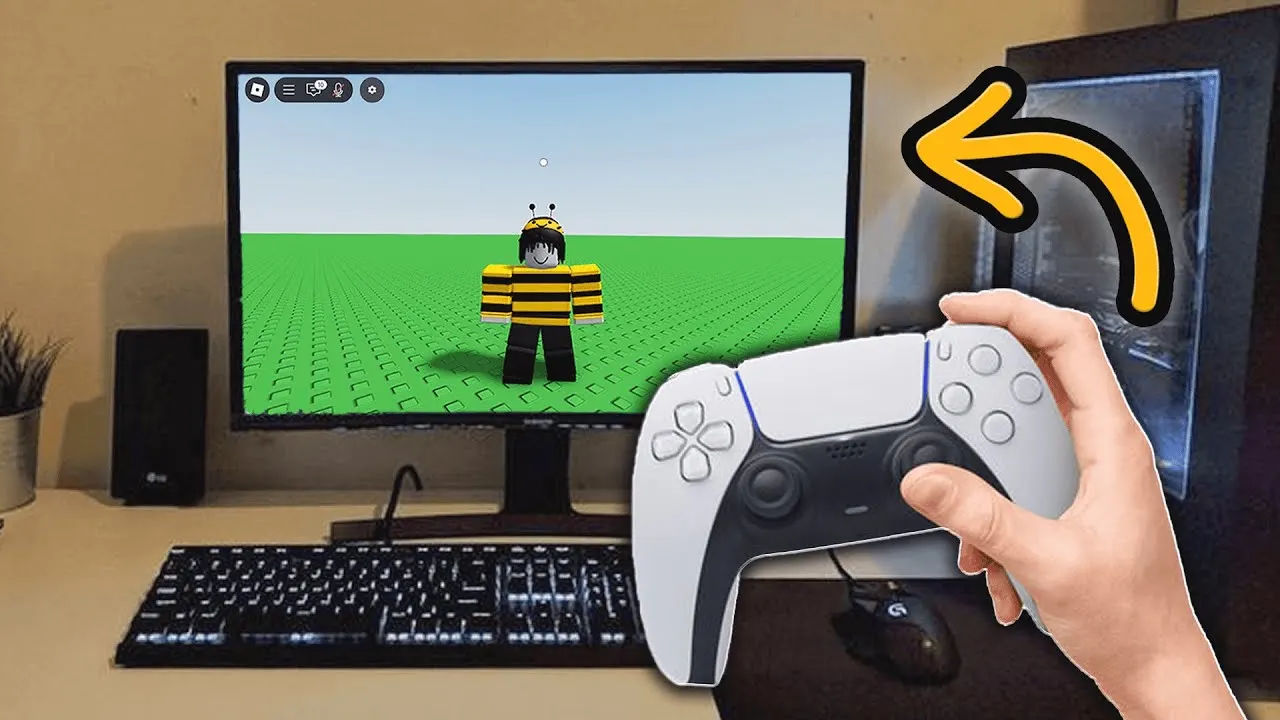
If you play MM2 on PC, get a mouse. Aiming with a stick is chaos. For Adopt Me, Brookhaven and 99 Nights, a controller is comfy but optional. For Steal An Egg, either works, so use what you already own.
My picks: the Logitech G305 for PC players and the Xbox Wireless Controller for anyone who wants a pad on Xbox, PC or tablet. I'd skip anything with "free Robux" or turbo buttons attached.
On this page
🗓️ Last updated: 11 November 2026
I get asked this a lot, usually by a parent standing in a store aisle. The honest answer is that it depends on the game, not on how “pro” the gear looks. So here’s my call for each of the five games I cover.
Heads up: the Amazon links below are affiliate links. As an Amazon Associate I earn from qualifying purchases, at no extra cost to you. How I pick (and what I never link).
The quick answer by game
| Game | My pick | Why |
|---|---|---|
| Murder Mystery 2 | Mouse | Sheriff shots and knife throws need fast, exact aim |
| Steal An Egg | Either | Mostly running and dodging, not precision aiming |
| Adopt Me! | Controller is fine | Relaxed pace, lots of walking and menus |
| Brookhaven RP | Controller is fine | Driving feels nicer on a stick |
| 99 Nights in the Forest | Either | Combat is simple, comfort matters more |
Swipe the table sideways →
MM2: get a mouse, no debate
This is the one game where I have a strong opinion. Sheriff shots are fast flicks, and throwing a knife as Murderer is all about quick, exact aim. A stick just can’t move that precisely for most people.

Even creators who are great at MM2 call controller play chaotic. If you’re on PC and serious about winning rounds, a mouse is the cheapest upgrade you can make. My MM2 Sheriff tips are written with mouse aim in mind.
My mouse pick: Logitech G305
The Logitech G305 Lightspeed wireless mouse is my go-to. It connects with a small USB receiver instead of Bluetooth, runs on one AA battery, and it’s light enough for long sessions.
Pros
- Wireless without Bluetooth lag worries
- Light and simple, no software needed to play
- Fits most hand sizes, including teens
Cons
- Needs AA batteries
- Not great for big hands that like heavy mice

Steal An Egg: use what you have
Steal An Egg is mostly running, grabbing and dodging. Speed comes from your stats, not your hands. I’ve seen people do fine on keyboard, controller and phone.
So my advice is to not buy anything just for this game. If you already have a controller, it’s comfortable for long sessions. If you’re on PC with a mouse, that works great too. My Steal An Egg Speed guide will help you more than any gear.

Adopt Me, Brookhaven and 99 Nights: a controller is comfy
These three are about exploring, roleplay and doing tasks. Nobody is grading your aim. A controller makes walking and driving feel smoother, and it’s easier on wrists during a long Brookhaven roleplay.
The catch: Roblox leaves gamepad menus up to each game’s developers, and some menus were clearly designed for a mouse or a finger. Trading screens and shop pages can feel clunky on a pad, so expect a little extra clicking.
My controller pick: Xbox Wireless Controller
The Xbox Wireless Controller (Carbon Black) is the boring, reliable choice, and boring is good here. It works on Xbox, plugs into a PC with USB-C, and pairs over Bluetooth with phones and tablets.

On a tablet, pair the controller in your device’s Bluetooth settings first, then open Roblox. If you’re still choosing a tablet, my tablet picks cover what runs Roblox well.
What about a headset?
If you play with friends, a cheap wired headset helps more than a fancy mouse. I’d keep it simple: the HyperX Cloud Stinger 2 Core for PC and phones, or the HyperX CloudX Stinger 2 Core for Xbox, which plugs into the controller. I go deeper in my headset guide.
Stock check
I re-opened all four listings on 11 Nov 2026 and they were live. Seen from my end, the G305 was offered by a third-party seller with Amazon shipping, the Xbox headset by a third-party seller shipped by Amazon, and the controller and PC headset had other-seller offers. Stock and sellers change fast, so check who’s selling before you buy.
What I’d skip
- Anything bundled with "free Robux." Real Robux only comes from Roblox or official gift cards. If you want Robux, my gift card guide shows the safe way.
- Macro mice and turbo controllers. Buttons that automate clicks or play for you can get you kicked or banned in games that ban automation. Not worth it.
- No-name controllers with no clear seller. Cheap pads often have drifting sticks and flaky Bluetooth. I'd rather buy one reliable controller than two bad ones.
- Expensive "pro" gaming mice for younger kids. Extra buttons and high-end sensors don't help in Adopt Me. A simple mouse does the job.
- RGB keyboard bundles bought just for Roblox. They look cool, but most Roblox games barely use the keyboard beyond moving and a few keys.
Buy for the game you actually play. MM2 on PC is the one place a mouse really changes things. Everywhere else, the gear you already own is probably fine, and the money is better spent on something you'll notice.
FAQ
Is Roblox better with a controller or a mouse?
On PC, a mouse for anything with aiming, like MM2. A controller is great for casual games like Adopt Me and Brookhaven, and it's the default on Xbox.
Can you use an Xbox controller for Roblox on PC?
Yes. Plug it in with a USB-C cable or pair it over Bluetooth and Roblox picks it up.
Can you use a controller for Roblox on iPhone or iPad?
Yes. Pair a Bluetooth controller in your device settings first, then open Roblox. Some game menus are still easier to tap.
Do I need a gaming mouse for Roblox?
No. Any working mouse is fine. A light wireless one like the Logitech G305 just makes aiming and long sessions more comfortable.
What should I avoid buying for Roblox?
Anything sold with free Robux, macro or turbo features meant to automate play, and no-name controllers with no clear seller.
Sources
- Roblox Creator Hub: Gamepad input (Xbox and PlayStation controller support)
- jstn: MM2 Controller is CHAOTIC (handcam)
- TechteamGB: Logitech G305 review (2026)
- Amazon product listings re-checked 11 Nov 2026 (affiliate tag kikomii-20)
Last checked: 11 November 2026 (NZDT). Image credits: HoneySaw, jstn, TechteamGB and Briant Gaming on YouTube, Steal An Egg on Roblox.
kikomii is a fan site and isn’t affiliated with Roblox, Microsoft, Logitech or HyperX.