
Brookhaven Beginner Guide: Houses, Jobs, Cars and Not Being That Player
TL;DR, bestie
- Brookhaven is a free sandbox roleplay game. There are no levels, no grind and no quests. You make up the story.
- Grab a free house from the Houses menu. Lock the doors, set the windows and add a house sign from House Controls.
- Pick a job from the Avatar (Character Bio) menu. There are 80+ jobs and most are free. An icon shows above your head.
- Spawn a car from the vehicle menu and drive anywhere. Most cars are free; some need a gamepass.
- Don’t be that player: no ramming, no spawn-killing roleplays that nobody asked for, and no sharing personal info.
🗓️ Last updated: 1 November 2026
Brookhaven RP is one of the most-played games on Roblox. It’s a big, friendly town where you can own a house, take a job, drive a car and invent whatever story you like. There’s no tutorial, so new players often spawn at the fountain and just… stand there. This guide gets you from “where do I click?” to “hosting a family barbecue” in about ten minutes.

What Brookhaven actually is
| Thing | What it means for you |
|---|---|
| Sandbox roleplay | No levels, no XP, no money to grind. Everything core is unlocked from the start |
| Free to play | Houses, cars, tools and locations are free. Gamepasses add extras |
| Up to 30 players per public server | Busy, but you’ll always find someone to roleplay with |
| Made by Wolfpaq, now run by Voldex | Voldex took over the game in February 2025 |
The best way to think about it: Brookhaven is a giant digital dollhouse. The game gives you the props; you and your friends bring the story.
Step 1: Get a house
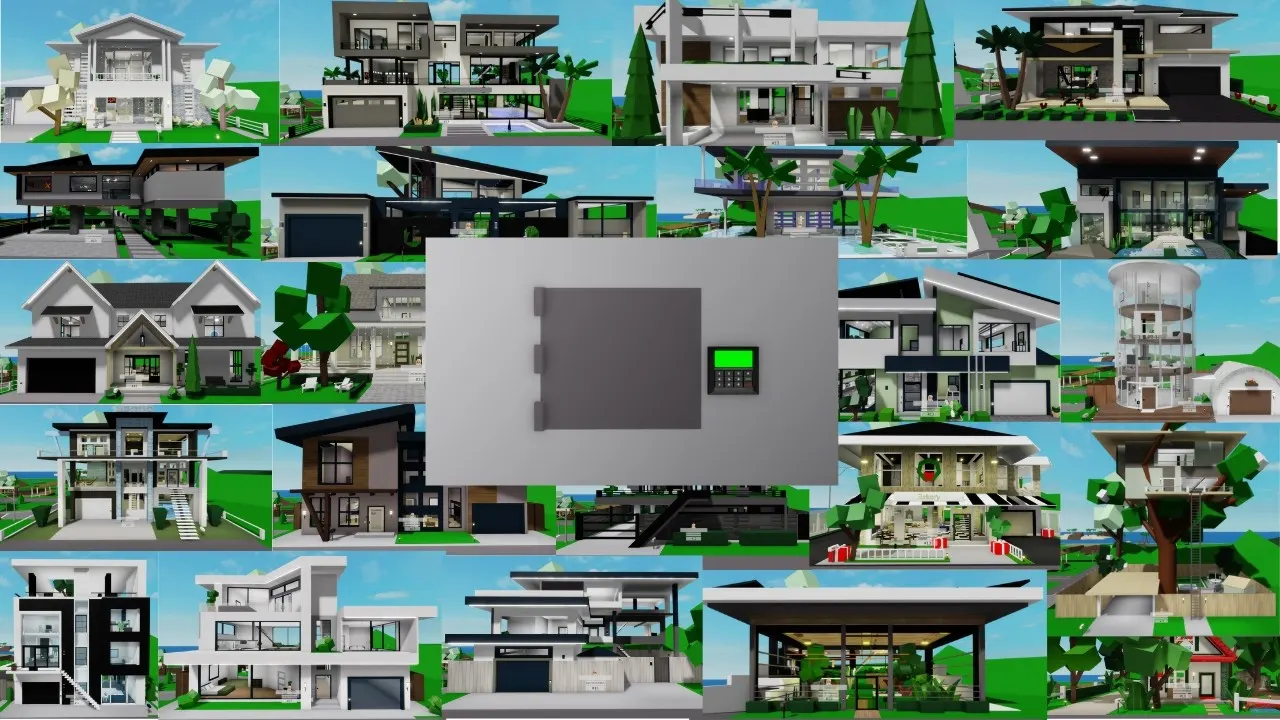
Open the Houses menu (the little house icon) and pick any free home. It spawns on an empty plot, and you’ll be teleported to it.
| House Control | What it does |
|---|---|
| Lock Doors | Keeps strangers out of the front door (and sometimes the back door) |
| Windows | Closes curtains or switches to privacy glass |
| Security Cameras | Lets you watch live feeds around your house |
| House Sign | Puts your family or house name out front |
| House Color | Recolours the house. The game picks which parts change |
| Baby Furniture | Adds cribs and baby bits for family roleplay |
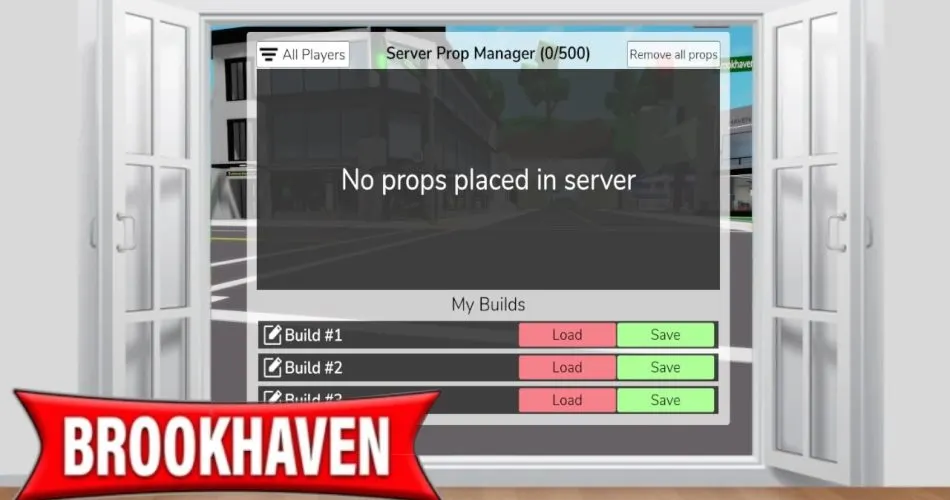
| Props Controls | Turns prop placement on or off, or clears props |
Tip: you can ban players from your plot if someone is spoiling your roleplay. In public servers there’s a short cooldown before you can swap to a different house (the VIP gamepass removes it), so pick one you like.
Step 2: Pick a job
Open the Avatar menu, then Jobs. Pick one and it’s yours straight away. There are over 80 jobs, from Police and Doctor to Barista and Mayor, and most are free. A job icon floats above your head so other players know who to come to.
| Job group | Examples | Good for |
|---|---|---|
| Service | Police, Firefighter, Hospital, Bank | Emergencies and action plots |
| Family | At-home mom or dad, Babysitter, Student | House and school roleplay |
| Shop | Cashier, Chef, Barista | Running a café or shop |
| Arts | Musician, Actor, Painter | Shows and concerts |
| Outside | Construction, Gardener, Delivery | Roaming the map |
When you’re done, use Take a Break or Quit from the Job menu under the Home Cams button.
Step 3: Get a car
Open the vehicle menu and pick a car, bike or truck. It spawns next to you. Free players can drive one vehicle at a time in public servers. Some fancier vehicles (helicopters and jets, for example) need the Premium gamepass.
Driving etiquette: stay on the road where you can. Constantly ramming people is the number one reason players get banned from houses.

Step 4: Tools, props and the map
- Tools (phones, food, ladders and more) live in your inventory. They’re perfect for roleplay.
- Props can be placed to decorate your house or build a scene.
- Locations around town include the hospital, school, bank, police station and fire station. Many have a “Take Job” button inside.
- Secrets are scattered everywhere. You don’t need them to play, but they’re a fun rabbit hole.
Free vs paid: what you’re missing
| Free | Paid (gamepasses) |
|---|---|
| Most houses, cars, jobs, tools and locations | Premium houses and vehicles, helicopters and jets, and house pools |
| One vehicle at a time in public servers | VIP: no house cooldown, extra props and 2 vehicles at once |
| Everything you need to roleplay | Extras such as house music and disasters |
Prices change and differ by region, so check the in-game shop before buying. Honestly? You can play Brookhaven for years without spending a Robux. Talk to a parent before buying anything, and set up Roblox parental controls first if you’re the grown-up here.
How not to be that player
- Ask before joining someone’s roleplay. Walking into a stranger’s house uninvited is the Brookhaven version of crashing a party.
- Don’t spam-ram cars or blow things up unless everyone in the scene agreed to an action plot.
- Keep personal info private. No real names, schools, addresses or socials, ever.
- “Follow me for free Robux” is always a scam. Ignore it.
- If someone’s being creepy, block and report. You don’t owe anyone a reply.
Kiko’s take: Brookhaven is the closest Roblox gets to playing with a dollhouse in 1999, minus the lost tiny shoes. My best tip: don’t try to “win” it. Pick a house, pick a job, invite a friend and see where the story goes. My first ever roleplay was running a terrible pizza shop. Zero stars. Ten out of ten fun.
FAQ
Is Brookhaven free?
Yes. The core game is free. Gamepasses and private servers are optional extras.
How do I get a house in Brookhaven?
Open the Houses menu and choose any free house. It spawns on an empty plot.
How do I get a job?
Open the Avatar (Character Bio) menu, tap Jobs and pick one. Many shops also have a Take Job button.
Can I play with my friends?
Yes. Join a friend’s server from their profile, or rent a private server for your group.
Are there levels or quests?
No. Brookhaven has no progression. It’s all about roleplay and making up your own stories.
Sources
Last checked: 9 August 2026 (NZDT). Image credits: YouTube – Bryan Brookhaven; YouTube – GoofiNoodle; YouTube – Welix Brookhaven. Related: Roblox parental controls, MM2 beginner guide, and the Brookhaven hub.
kikomii is a fan site and isn’t affiliated with Roblox or Voldex.