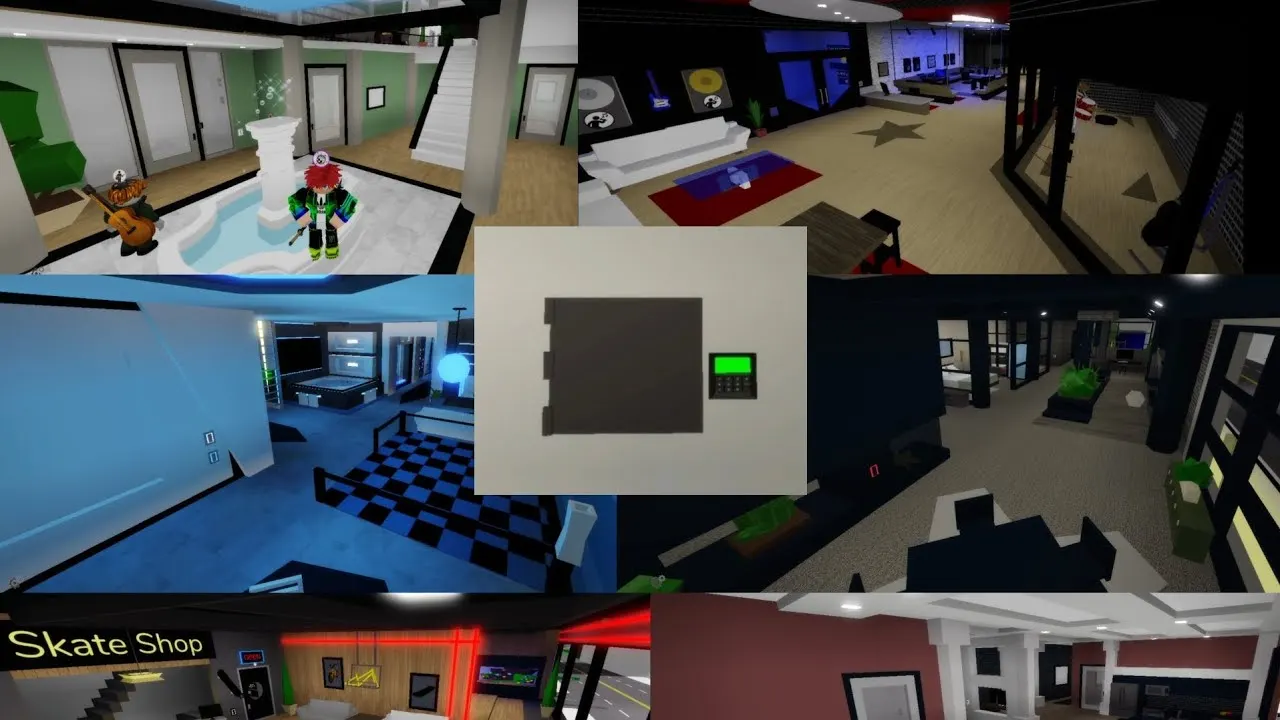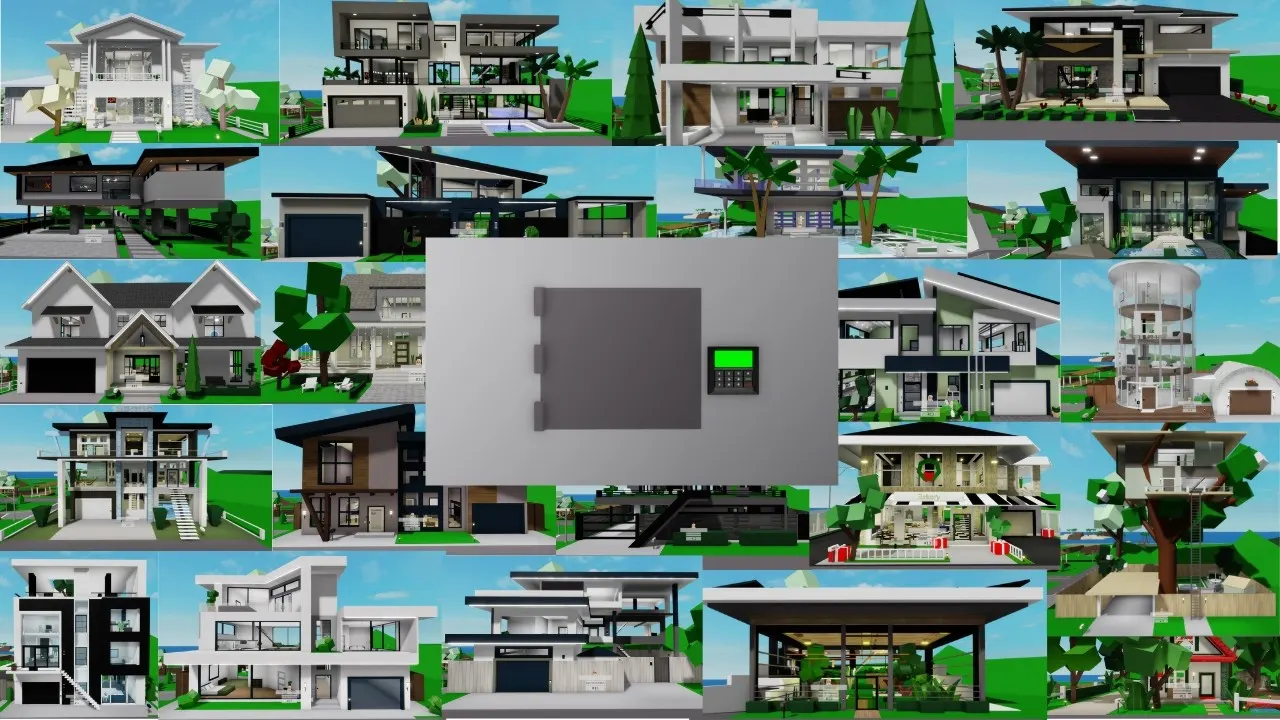
House Controls in Brookhaven: Doors, Furniture, Permissions and Tips
TL;DR, bestie
- House Controls let you manage your Brookhaven house, motel room, apartment, estate or landmark.
- The menu is dynamic: you only see buttons your building actually supports.
- Free: locks, windows, cameras, props, garage, sign, color, baby furniture.
- Gamepass: pool (Premium), music (Music Unlocked), disasters (Disaster pass), instant fire (On Demand Fire), fancy sign effects (VIP).
On this page
House Controls are the remote control for your Brookhaven life. Lock the door before the "random stranger walks in" RP, close the curtains, check the cameras, or set the whole place on fire. Your call.
House Controls at a glance
| Fact | Detail |
|---|---|
| Works in | Houses, motel rooms, apartments, estates, landmarks |
| Menu type | Dynamic, hides unsupported controls |
| Free controls | Locks, windows, cameras, props, garage, sign, color, baby furniture |
| Paid controls | Pool, music, disasters, on-demand fire, sign effects |
| Made dynamic by | A Voldex update |
Every control explained
Free controls
| Control | What it does |
|---|---|
| Lock Doors | Locks the front door, and in some houses the backyard doors too |
| Windows | Privacy mode. Some houses use curtains, others use one-way reflective glass |
| Security Cameras | Live feeds from cameras around the house |
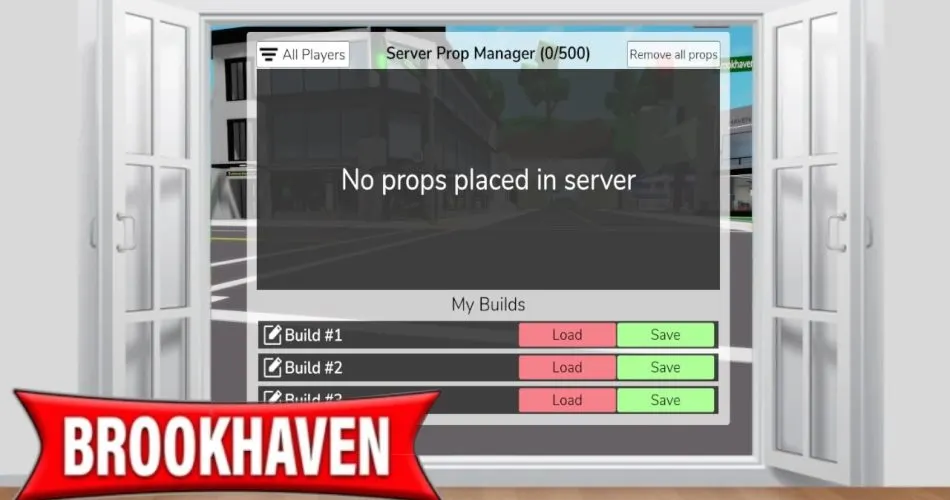
| Props Controls | Turn prop placement on or off, or clear every prop inside (sleeping bags, cones, all of it) |
| Garage Door | Opens and closes the garage. A quick garage button appears while you're driving |
| House Sign | Put text on your house. Placement depends on the model |
| House Color | Recolors the house. The game picks which parts change |
| Baby Furniture | Adds baby furniture for family RP |
Swipe the table sideways →
Gamepass controls
| Control | Needs | Notes |
|---|---|---|
| Pool | Premium | Adds a pool to houses that support one. The house itself doesn't need to be premium |
| Music | Music Unlocked | Plays music inside the house |
| House Disasters | Disaster pass | Triggers disasters inside. Some collab houses, like the Wicked ones, don't support it |
| House Fire | On Demand Fire | Instant fire, from the manual control panel in the house |
| Sign effects | VIP | Gradient Fast, Gradient Slow and Flash text |
Swipe the table sideways →
Gamepass prices change with sales, so check my Brookhaven gamepasses ranked page for what's worth it.
No On Demand Fire? Leave a fireplace on for a few minutes. The game will ask if you want the house to catch fire. Free chaos.

What each building type supports
| Building | Missing controls | Notes |
|---|---|---|
| Houses | Varies by model | The most complete control sets |
| Motel rooms | Disasters, pool, garage | Rooms are too small for disasters |
| Apartments | Garage, pool toggle | Disasters work. Some penthouses have a permanent pool |
| Estates | Varies | Many mansions have pools you can't turn off |
| Landmarks | Locks, baby furniture, pool | Music, disasters, cameras and curtains can still work |
Swipe the table sideways →
Roleplay houses with no real interior, like ruins, may skip locks, windows, garages and pools completely.
How to use House Controls
- Claim a house, apartment or estate.
- Open the House Controls menu from your screen, or use the manual control panel inside the building.
- Tap the control you want. Only supported ones show up.
- Seasonal events can add a decorations toggle, which places random themed furniture each time you switch it.
RP ideas
- Home security: lock up, watch the cameras and "catch" the burglar roleplayer.
- Disaster drill: trigger a disaster and have your family evacuate. See house disasters.
- Pool party: Premium pool, music on, sign reading "PARTY TONIGHT."
- Clean-up day: props control clears all the junk your guests left behind.
Little-known facts
- House Controls used to show every button for every house, even ones that didn't work.
- Signs used to be limited to six colors. Now there's a full palette.
- Baby Furniture from the main menu skips the confirmation prompt, but the manual panel asks first.
Lock your doors, people. Half the chaos in public servers is random players wandering into unlocked houses. The free controls cover almost everything, and the paid ones are just fun extras.
Related on kikomii
FAQ
How do you lock your door in Brookhaven?
Open House Controls and tap Lock Doors. Some houses also lock the backyard doors.
Why can't I see the pool button?
Your house either already has a pool, doesn't support one, or you don't have Premium.
How do you set your house on fire in Brookhaven?
Use the On Demand Fire gamepass from the manual control panel, or leave a fireplace on for a few minutes and accept the prompt.
Do motel rooms have House Controls?
Yes, but without disasters, pools or garage controls.
How do you remove props from your house?
Use Props Controls in House Controls to clear all placed props.
🗓️ Last updated: 7 November 2026
kikomii is a fan site and isn't affiliated with Roblox or Grandma's Favourite Games.