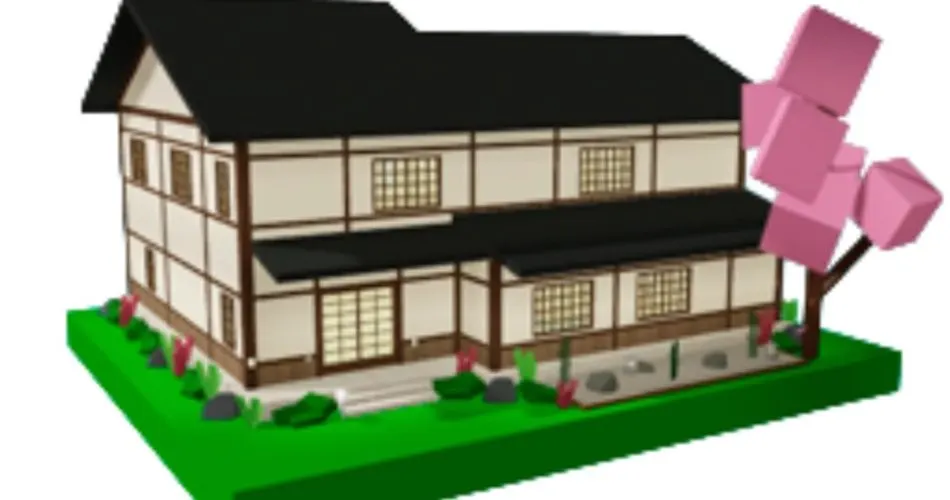
Houses in Brookhaven: Every House Type and What House Controls Do
TL;DR, bestie
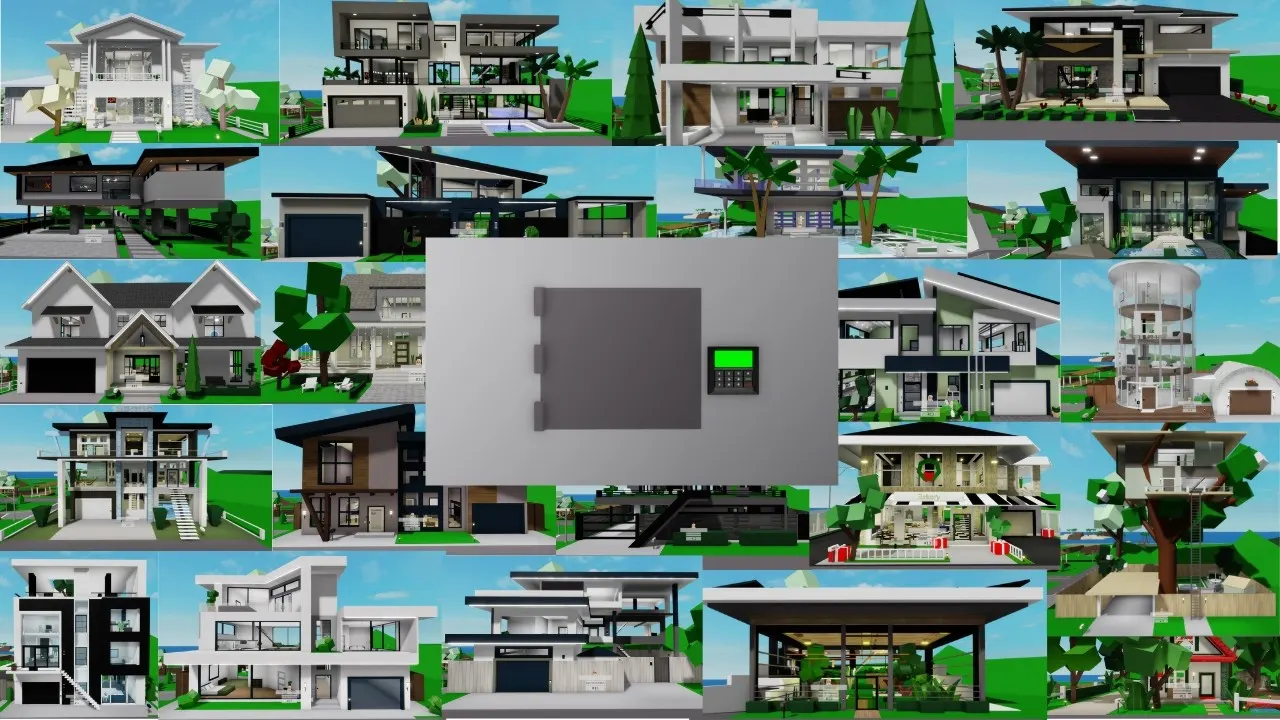
- Brookhaven has more than 115 houses across a few types: regular houses, mansions and estates, apartments and motel rooms.
- You claim a house on an empty plot. Most houses are free, while others need a gamepass like Premium, Estates Unlocked or Penthouse, or came from a collab event.
- House Controls let you lock doors, close the curtains, change colors, add a sign, toggle props and more. The menu only shows the options your building supports.
- Some controls need gamepasses (pool, music, disasters, on-demand fire). Prices change, so check in-game.
🗓️ Last updated: 5 November 2026
Your house in Brookhaven is your base, your roleplay set and your hiding spot from that one player who keeps following you. The choice is huge, and the controls go a lot deeper than most players realize. This page covers how claiming works, the different building types and what every control does. If you’re brand new and want the quick “house, job, car” rundown, start with my beginner guide instead.
Houses at a glance
| Fact | Detail |
|---|---|
| Total | 115+ houses, and the number keeps growing |
| Types | Houses, estates and mansions, apartments, motel rooms |
| Free houses | The majority |
| Gamepass houses | Premium, Estates Unlocked, Penthouse, VIP and a few others |
| Collab houses | Event houses tied to partnerships like Wicked and Jurassic World |
| Customization | House Controls menu plus a control panel inside every house |
How it works
Claiming a plot
Houses go on vacant plots around the map. Walk up to an empty plot, pick a house from the menu, and it spawns in as yours. You can only have one claimed at a time, and other players can see and visit it unless you lock up. If every plot is taken, you’ll need to wait for someone to leave or hop to another server.
Building types
- Houses have the widest range of features. Some include every control, while others skip things like pools or baby furniture.
- Estates and mansions work like houses but bigger. Many come with built-in pools that can’t be turned off.
- Apartments have no garage or pool option. Disasters still work, and some penthouses have a permanent pool.
- Motel rooms are the stripped-down option, with no disasters, pools or garage.
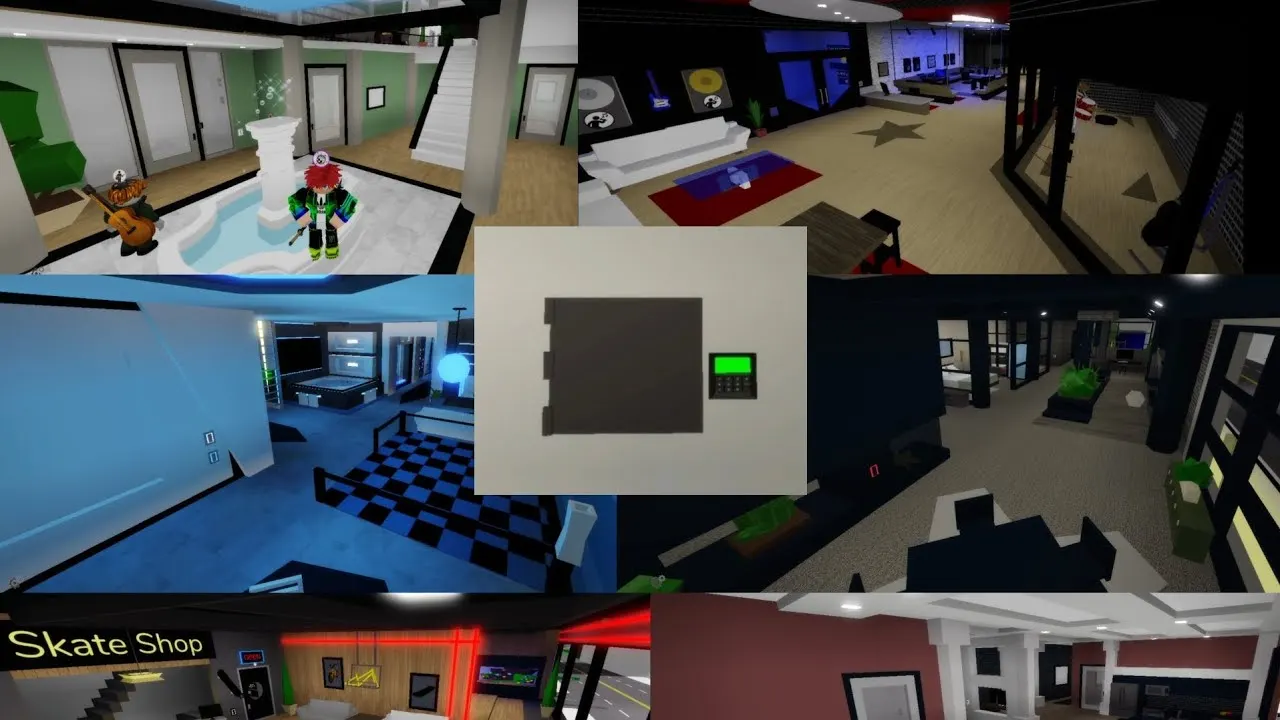
- Roleplay sets, like labs, warehouses and bases, are built for scenes. Some have no real interior, so controls like locks or windows may be missing.

House Controls
Open House Controls from the menu, or use the control panel that every house has inside. The menu is dynamic, so it only shows buttons your building actually supports.
| Control | What it does | Needs a pass? |
|---|---|---|
| Lock Doors | Locks the front door, and sometimes back doors | No |
| Windows | Curtains or mirrored glass for privacy | No |
| Security Cameras | Live feeds around the house | No |
| House Sign | Text sign on the house. VIP adds gradient and flash effects | Effects only |
| House Color | Recolors the house. The game picks which parts change | No |
| Props Controls | Turns prop placement on or off, or clears all props | No |
| Baby Furniture | Adds nursery items for family RP | No |
| Garage Door | Opens and closes the garage | No |
| Pool | Adds a pool where supported | Premium |
| Music | Plays music inside | Music pass |
| Disasters | Triggers in-house disasters | Disaster Pack |
| House Fire | Sets the house on fire on demand | On Demand Fire |
During seasonal events, extra toggles appear for themed decorations. Fun fact: if you leave a fireplace on for several minutes, the game asks whether you want the house to catch fire. Brookhaven, never change.

Step by step: setting up a new house
- Find an empty plot and claim the house you want.
- Open House Controls and lock the doors if you want privacy.
- Set the windows to curtains or mirrored glass.
- Recolor it and add a house sign with your family or business name.
- Turn prop placement off if random players keep dumping cones and sleeping bags inside.
- Add baby furniture, a pool or music if your roleplay needs them and your building supports them.
Tips
- Lock the doors before you start any roleplay that needs privacy. Unlocked houses get crashed constantly.
- Disable prop placement in public servers. It saves you from a living room full of traffic cones.
- If a control is missing, it’s usually the building type, not a bug. Motels and roleplay sets have fewer options.
- Want a theme? My tree house, underground vault and monster house guides show off some of the coolest builds.
Common mistakes
- Buying a gamepass for a house feature your favorite house doesn’t even support. Check the building type first.
- Forgetting that collab and event houses can leave when the event ends.
- Assuming a mansion pool can be turned off. On many estates, it can’t.
- Using quoted Robux prices from old videos. Brookhaven tests different prices, so check the store in-game. My gamepass ranking covers which passes are actually worth it.
Kiko’s take: I’ve hopped between a lot of Brookhaven houses, and the free ones are honestly great. The thing that changed my experience wasn’t a fancy mansion. It was learning the House Controls. Locked doors, curtains and props off, and suddenly my roleplay wasn’t being interrupted every two minutes. Start there before you spend anything.
FAQ
How many houses are in Brookhaven? More than 115, across houses, estates, apartments, motel rooms and roleplay sets.
Are Brookhaven houses free? Most are. Some need gamepasses like Premium, Estates Unlocked or Penthouse, and a few came from collab events.
How do I lock my house in Brookhaven? Open House Controls and use Lock Doors. Landmarks can’t be locked.
Related on kikomii
- Brookhaven beginner guide for houses, jobs and cars in one place.
- Private servers if you want a house without random visitors.
- Related pages: House Controls, House disasters, Apartments and Vehicles.
Image credits: Game artwork by Voldex / Roblox. YouTube thumbnail: Tappy.
kikomii is a fan site and isn’t affiliated with Roblox or Voldex.