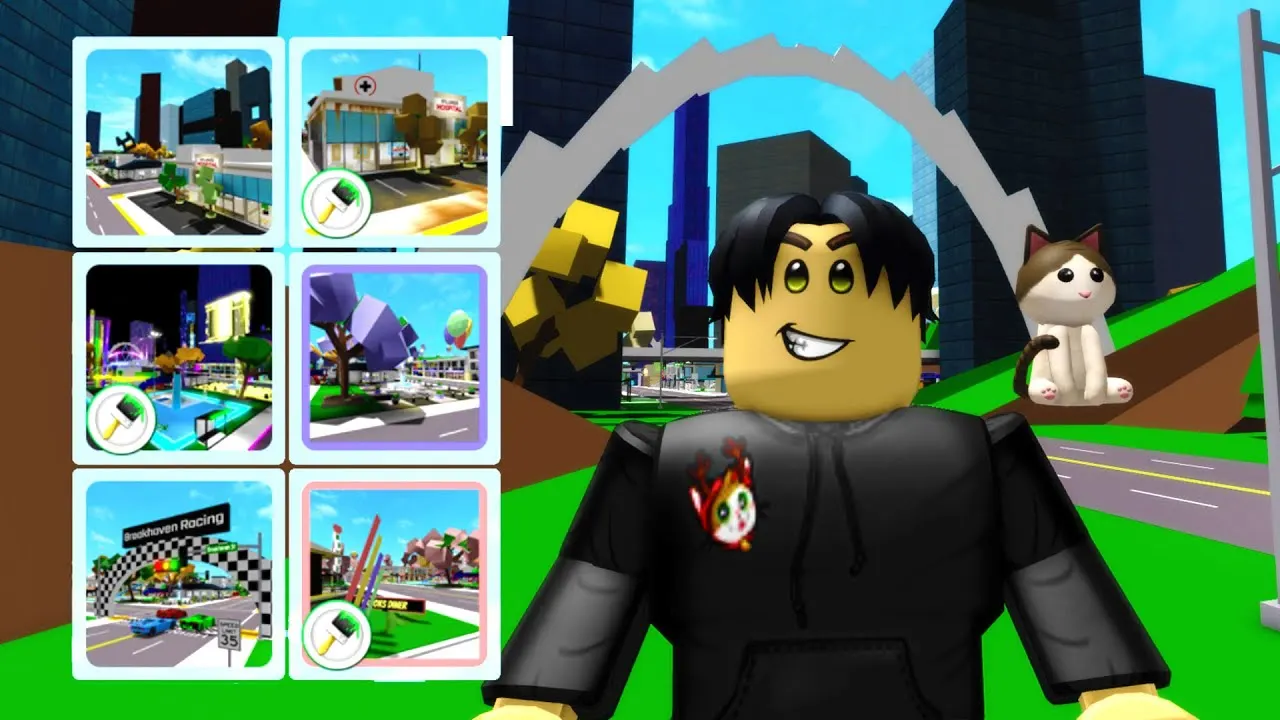
Map Themes in Brookhaven: All 14 Themes, Free Ones and the Theme Pack
TL;DR, bestie
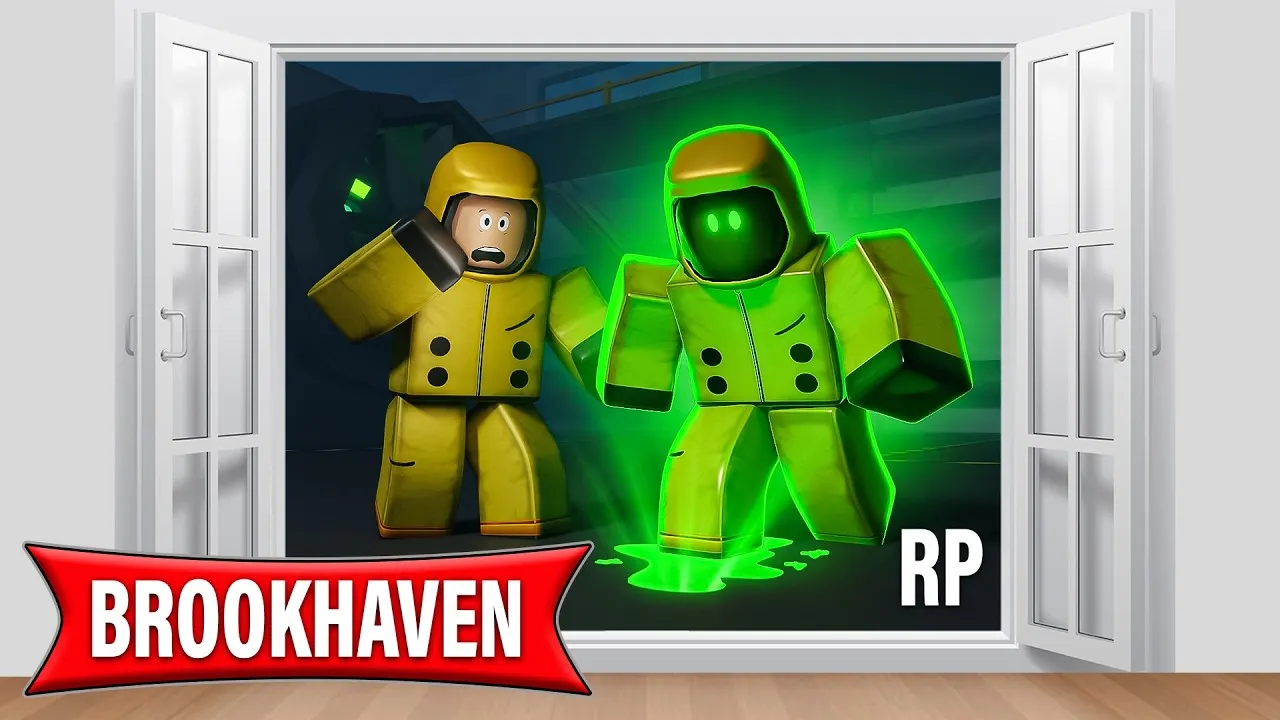
- Map Themes change how the whole Brookhaven map looks, from a ruined Apocalypse city to a Japan theme with red gates. They’re cosmetic only and have no collision.
- The community wiki lists 14 themes. Four are free (Downtown, Party Purple, Racing and Camping). The other ten need the Theme Pack, which costs 299 Robux (official store price, checked 6 November 2026).
- In public servers, a theme is only visible to you. In private servers, the owner or an admin can set a theme that everyone sees.
- Turn them on from the Themes section of the Character Bio menu.
ðŸ—“ï¸ Last updated: 6 November 2026
Map Themes are Brookhaven’s “set dressing” button. One tap and the whole town is on fire, overrun by a military invasion or decked out for a party. They don’t change how anything works, they just change the mood. That makes them perfect for roleplay, and a little confusing in public servers. Here’s the whole picture.
Map Themes at a glance
| Fact | Detail |
|---|---|
| Added | 2022 |
| What they do | Change the look of the map (visual only) |
| Collision | None. They never block players, cars or buildings |
| Number of themes | 14, per the community wiki |
| Free themes | 4 |
| Theme Pack | 299 Robux, unlocks the other 10 |
| Who sees it | Only you in public servers; everyone in a private server if the owner sets it |
How it works
Themes are client-side. That’s a fancy way of saying the theme is drawn on your screen, not added to the server. In a public server, you can turn on Apocalypse and everyone else still sees a normal sunny Brookhaven. Fun for you, invisible to them.

Private servers are different. The server owner or an admin can pick a server-wide theme from the Private Server Panel, and it overrides whatever theme each player had on. Now the whole server is in the same world, which is what you want for a big RP.
Here’s the full list from the community wiki:
| Theme | Needs | What it adds |
|---|---|---|
| Downtown | Free | Modern city details |
| Party (Purple) | Free | Purple party decorations |
| Racing | Free | Racing props and decor |
| Camping | Free | Tents and outdoor scenery |
| Apocalypse | Theme Pack | Ruined, post-apocalyptic town |
| Futuristic | Theme Pack | Sci-fi buildings and visuals |
| Party (Pink) | Theme Pack | Pink party decorations |
| Military Invasion | Theme Pack | Military vehicles and barricades |
| Party (Mint) | Theme Pack | Mint party decorations |
| Japan | Theme Pack | Traditional Japanese-style architecture |
| On Fire | Theme Pack | Fire effects across the map |
| Horses | Theme Pack | Stables and horse decor |
| Sky Racing | Theme Pack | Elevated racing visuals |
| Party (Yellow) | Theme Pack | Yellow party decorations |

Step by step: turning on a theme
- Open the Character Bio menu.
- Go to the Themes section.
- Pick a theme. It applies instantly.
- In a private server: open the Private Server Panel, choose Theme, and pick one for the whole server.
- To go back to normal, switch the theme off in the same menu.
Tips
- Match the theme to the plot. Apocalypse for survival RP, Military Invasion for a rescue story, Camping for a family trip. My family roleplay ideas pair nicely with Camping.
- Use themes for screenshots. Since they’re client-side, you can grab a moody photo without changing anyone else’s game.
- Run events in a private server. A shared theme makes a party or a school play feel planned.
- Pair themes with House Disasters for maximum chaos. On Fire plus a fire disaster is a whole movie.
Common mistakes
- Expecting friends to see your theme in a public server. They can’t. Only you can.
- Buying the Theme Pack for public servers only. It works there, but only for you. It shines in private servers. My private server guide explains how those work.
- Thinking themes block things. They have no collision. You can drive straight through themed decorations.
- Mixing up the Theme Pack with other passes. VIP and Premium don’t include it.
Kiko’s take: Map Themes are a genuinely clever feature, but I’d only buy the Theme Pack if you or your friends play in a private server. In public, it’s a solo filter. In private, it’s a movie set. The free four are worth trying first, especially Camping for chill RP.
FAQ
How many map themes are in Brookhaven? The community wiki lists 14. Four are free and ten need the Theme Pack.
How much is the Theme Pack? 299 Robux, per the official store on 6 November 2026.
Can other players see my map theme? Not in public servers. In private servers, a theme set by the owner or an admin shows for everyone.
Do themes change gameplay? No. They’re cosmetic and have no collision.
Related on kikomii
- How to use a private server in Brookhaven for server-wide themes.
- Every Brookhaven game pass, ranked to compare the Theme Pack with other passes.
- Related pages: House Disasters, Music and Theme Pack.
kikomii is a fan site and isn’t affiliated with Roblox or Voldex.